Connecting video to enterprise applications
From camera to browser: define viewing flows, authentication and network conditions.
Listen · Browser voice
Read aloud
Voice availability depends on your browser and installed voices.
On this page
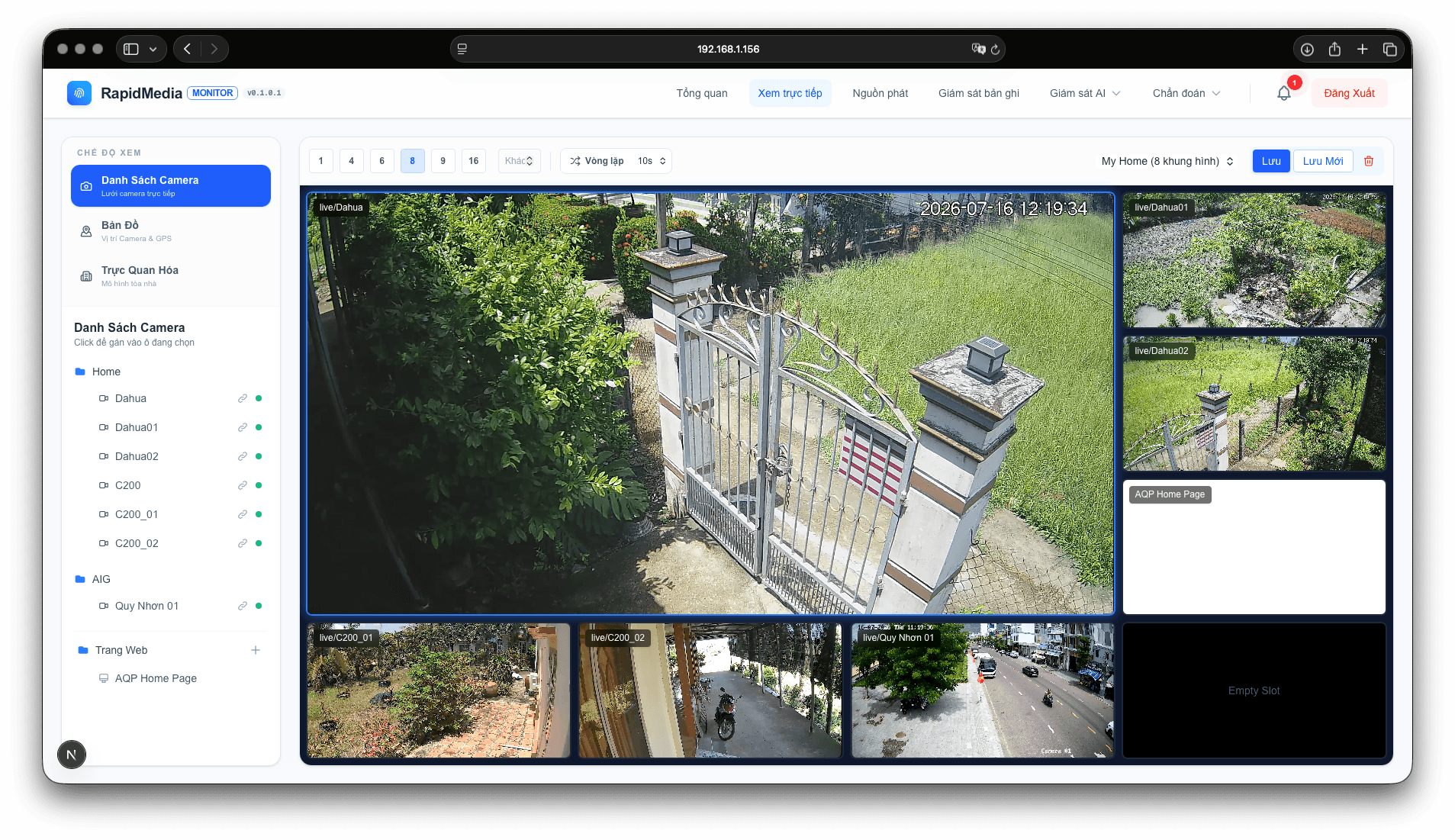
Review the video sources
List cameras, protocols, codecs, resolutions and expected concurrent viewers. Establish live viewing, recording and event retrieval needs. Test actual video sources before agreeing on an approach.
Protect access paths
Browser access should use application authentication and authorization. Avoid exposing camera credentials in client-side code. Agree viewing-session lifetimes, camera scope and access logging for the project.
Test under operating conditions
Test simultaneous streams, startup time, reconnection and device load. Check browsers, local networks and remote access within the intended scope. Document configuration limits during handover.
AQPTech · ENGINEERING IN PRACTICE
Explore capabilities