Materials & demo · Buildings & facilities
Bringing video streams into enterprise applications
Media Server interfaces illustrate browser video viewing and authorized integration.
Discuss a similar challenge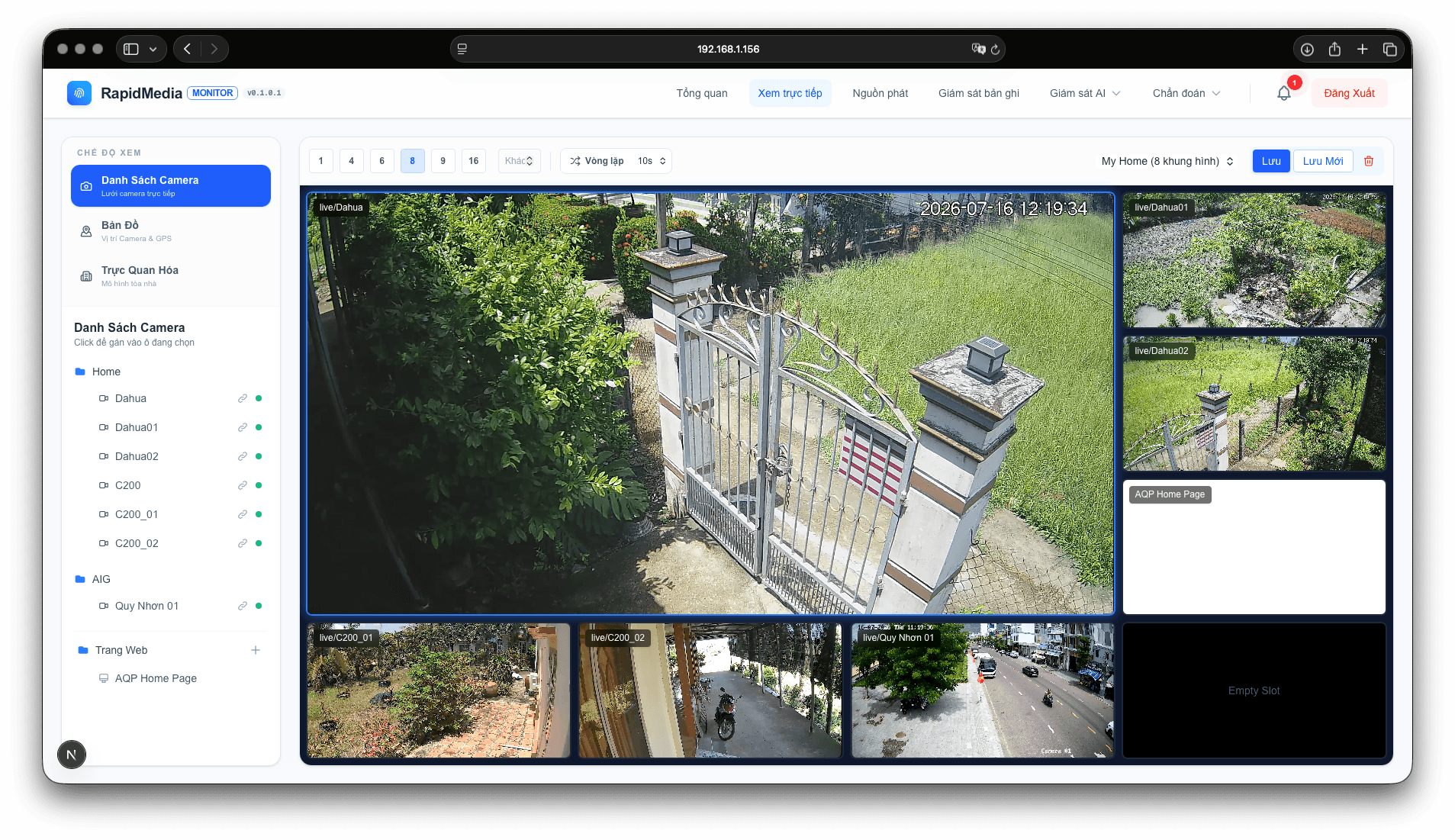
CapabilityEngineering
IndustryBuildings & facilities
ContextMultiple operating sites
Content typeMaterials & demo
This content uses existing materials and demonstrations. Project applicability is evaluated against data, environment and agreed criteria.
THE CHALLENGE
The challenge to define
Camera sources and browsers have different connectivity conditions. Applications need to connect viewing permissions with the right source and expose interruption states.
THE APPROACH
The approach
Use existing Media Server materials to explain the source-to-browser flow. Evaluate codecs, concurrent viewers, authentication and reconnection for each project.
Explore related capabilitiesProposed deliverables
Application integration configuration
Connectivity checking guide
VALIDATE IN CONTEXT
Validate under relevant conditions
Agree data, scenarios and acceptance ownership before a trial.
- Test sources and browsers within the intended scope.
- Verify viewing permissions at the service layer.
- Evaluate multiple streams and reconnection.
Related materials & interfaces
Images are labelled by material type and usage context.
Connected video streams
A browser video-viewing screen from the technical asset library.
Central monitoring workspace
An application screen combining video and location information in one workspace.
Explore more applications
All applications
Engineering · Transportation & logistics
Connecting warehouse tasks and operational data
Solution scenario
Engineering · Enterprise operations
Modernizing applications one workflow at a time
Solution scenario
Engineering · Manufacturing & industrial
Tracing equipment tasks and engineering records
Solution scenarioStart with your challenge.
Share your context and goals to define a concrete first experiment.